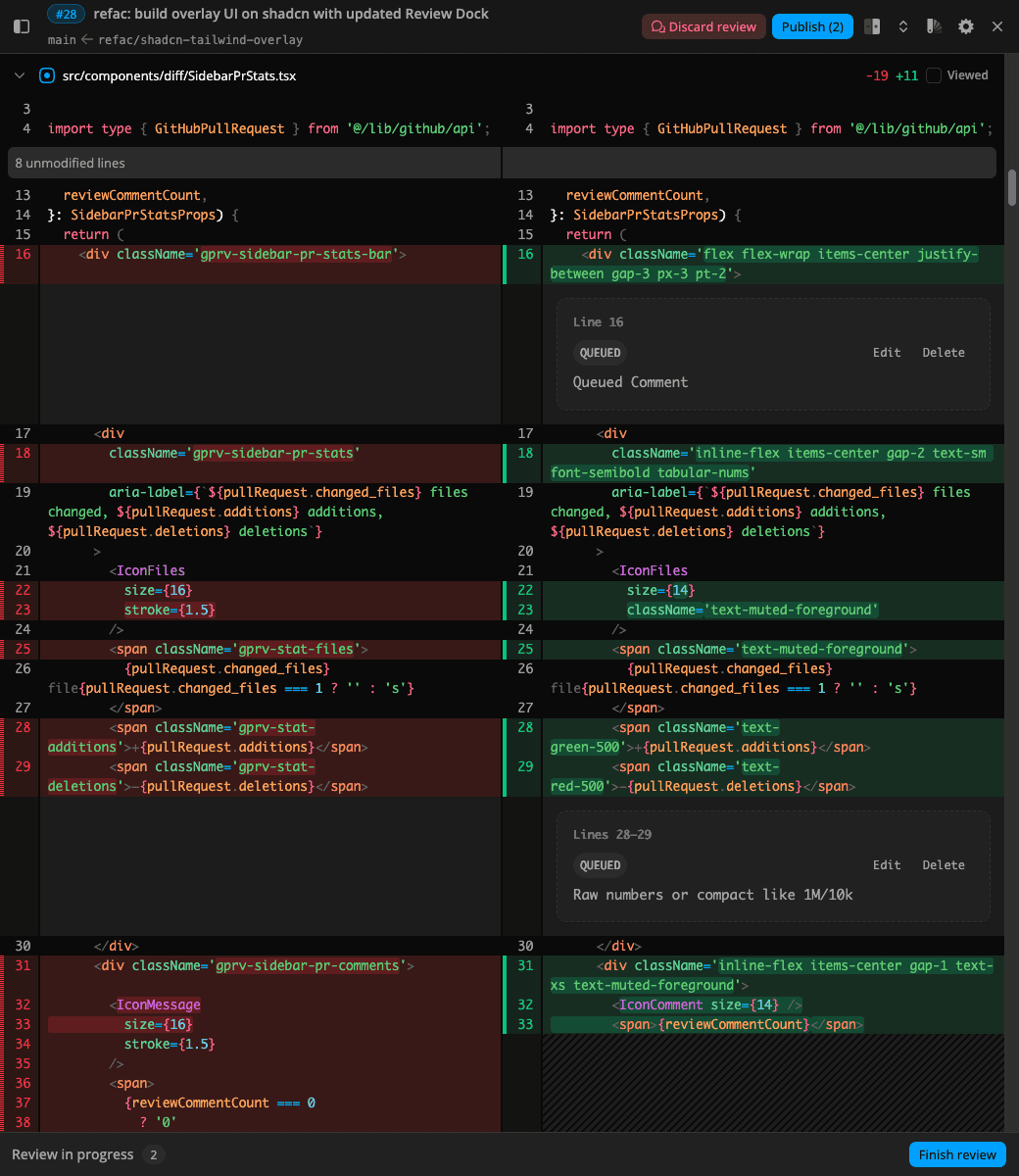
Full-screen overlay
Click View Diff on the pull request page. The viewer opens over GitHub, and diffy starts prefetching as the page loads.

Open the whole change set, comment inline, and publish your review when you are ready.
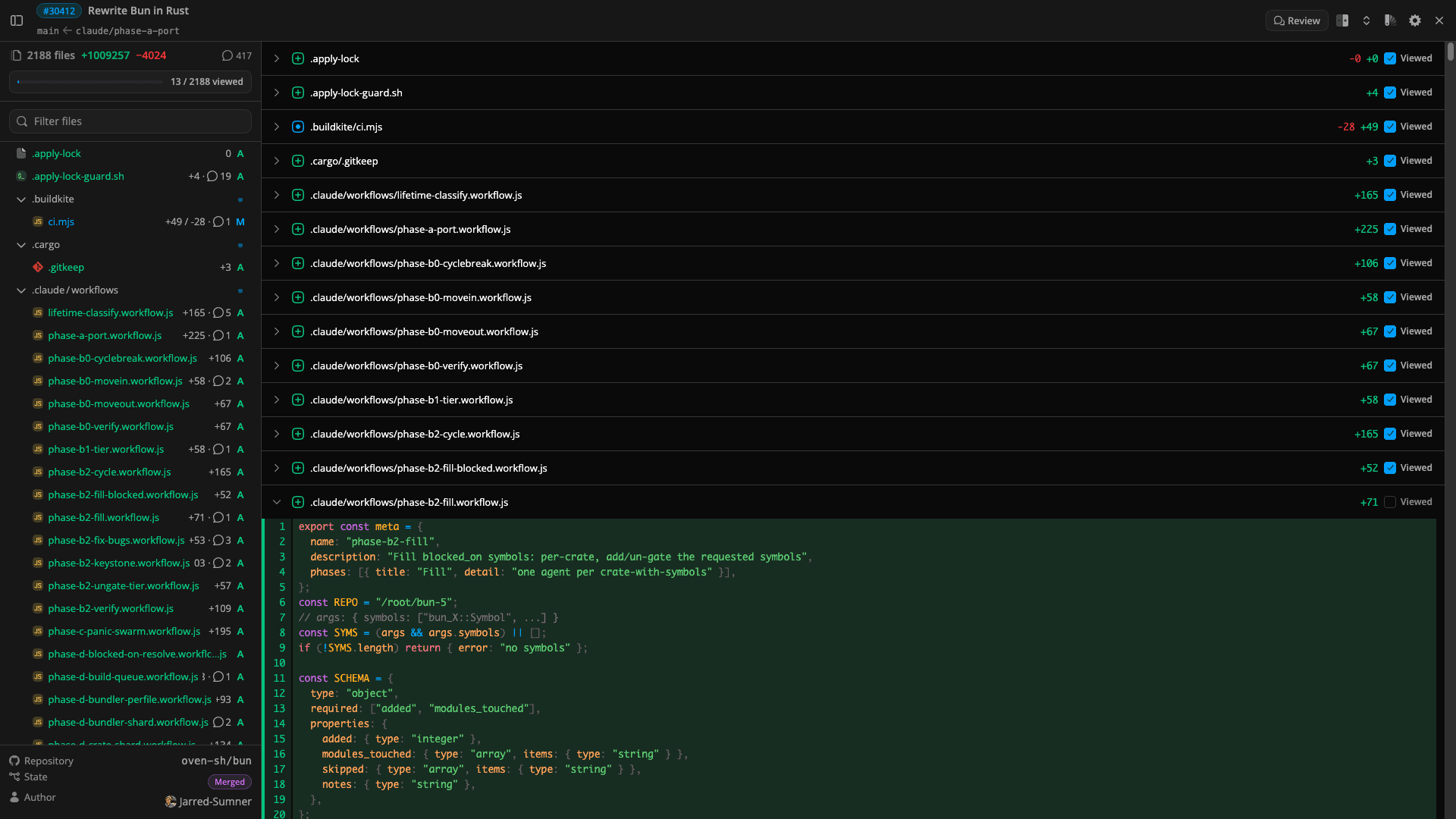
Large diffs hit documented limits and long-standing UI friction. diffy is a dedicated viewer for those reviews.
GitHub
diffy
GitHubDiff too large to display
diffyFetches the PR through the GitHub API and renders it in a dedicated viewer.
GitHubLoad more on every large file
diffyShows full file patches in one continuous scroll.
GitHubFiles changed freezes on medium PRs
diffySyntax highlighting runs in a worker, so the overlay stays responsive.
GitHubHundreds of changed files hit a 406
diffyLoads every file through the paginated files API, then assembles the diff.
GitHubComments split across Conversation and Files changed
diffyInline threads stay on the lines you are reading.
Install once. Open from the pull request page, or from a link anywhere on GitHub.
Click View Diff on the pull request page. The viewer opens over GitHub, and diffy starts prefetching as the page loads.
Right-click a PR link or page and choose Open in diffy. Same viewer, in its own tab, including in the background.
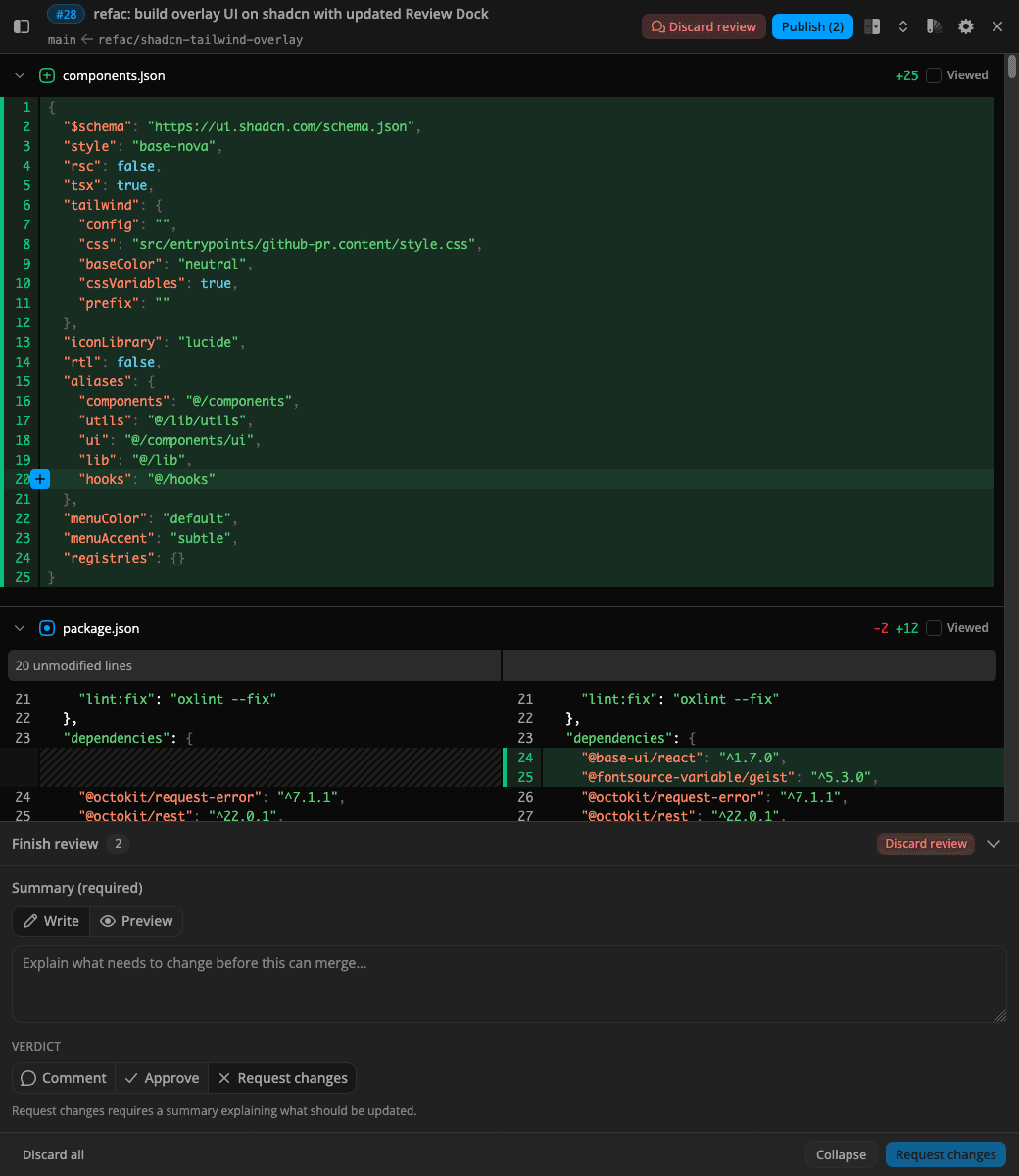
Comments stay on the lines you are reading. The dock holds the queue, your summary, and the verdict until you send it to GitHub.
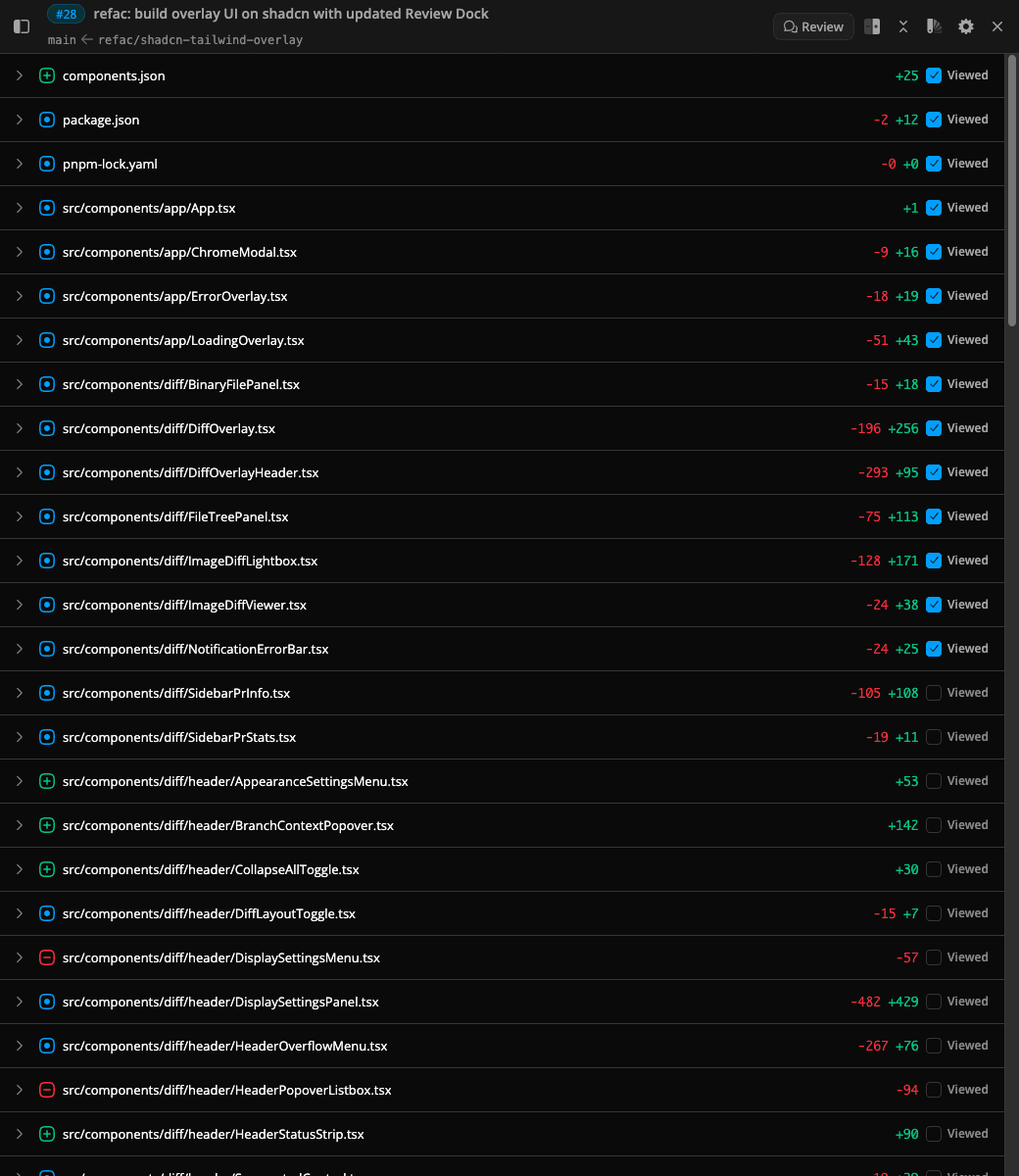
Open the whole change set, comment inline, and publish your review when you are ready.
Jump any file, compare image changes, match your editor theme, and tune the layout without leaving the review.
Filter as you type and jump to any path, even when the PR has thousands of files.
Side-by-side or unified layout, wrap or scroll, diff indicators, hunk separators, expand or collapse all, and a refresh after new pushes.
JetBrains Mono, Fira Code, IBM Plex Mono, or a custom family. Numeric size and line-height, with optional ligatures.
Preview image changes inline, then open a lightbox with 2-up, swipe, or onion compare, plus zoom, pan, and blink.
Pierre themes with separate light and dark picks, plus Auto, Light, or Dark. Syntax highlighting covers 100+ languages.
diffy does not run a backend. Pull request data is fetched from GitHub in your browser. An optional personal access token is stored in browser.storage.local and sent only to the GitHub API. Firefox lists required data collection as none. There is no tracking, telemetry, or analytics in the extension.
Free on Chrome, Firefox, and Edge. Open a pull request and look for View Diff.
On any GitHub pull request page, click View Diff for a full-screen overlay. diffy starts prefetching as the page loads. To open in a separate tab, right-click the PR link or page and choose Open in diffy.
No. diffy is a free browser extension. Install it, open a pull request on GitHub, and start reviewing. No sign-up and no subscription.
Yes. Add a GitHub personal access token in the extension popup. Without a token, only public pull requests are accessible.
No. Public diffs work without a token. You will need one to post comments, and unauthenticated browsing hits GitHub API rate limits sooner.
Any valid token works for diffs, private repos, and posting individual comments. For viewed files and publishing a batch review, use a classic PAT (ghp_) with repo scope, or run gh auth login and paste gh auth token. Fine-grained tokens (github_pat_) do not support that workflow.
Yes. Comments, replies, edits, and review verdicts post through the GitHub API. They show up on the PR and in GitHub notifications, the same as a native review.
Yes. That is what it is built for. GitHub's Files changed tab slows down or hits API limits on large change sets. diffy loads every changed file through the paginated files API and renders the full diff in one continuous view.
No. diffy is a review layer on top of GitHub. You stay on github.com, your data stays in your GitHub account, and your team keeps using GitHub as usual.
Your token is stored in browser.storage.local inside the extension and is never sent to a diffy server. There is no tracking, telemetry, or analytics. API calls go directly from your browser to GitHub.
Chrome, Firefox, and Edge, from each browser's extension store. A Safari build is available if you compile from source.